


Reclaim Space
Find caches, leftovers, logs and temporary files that quietly consume your storage.
Clean. Uninstall. Optimize. Analyze. Monitor.
Mole is a lightweight native macOS utility that helps you reclaim space, remove application leftovers, optimize your Mac, and understand what is happening under the hood.
Native macOS • Apple Silicon + Intel • Lightweight • Privacy-focused
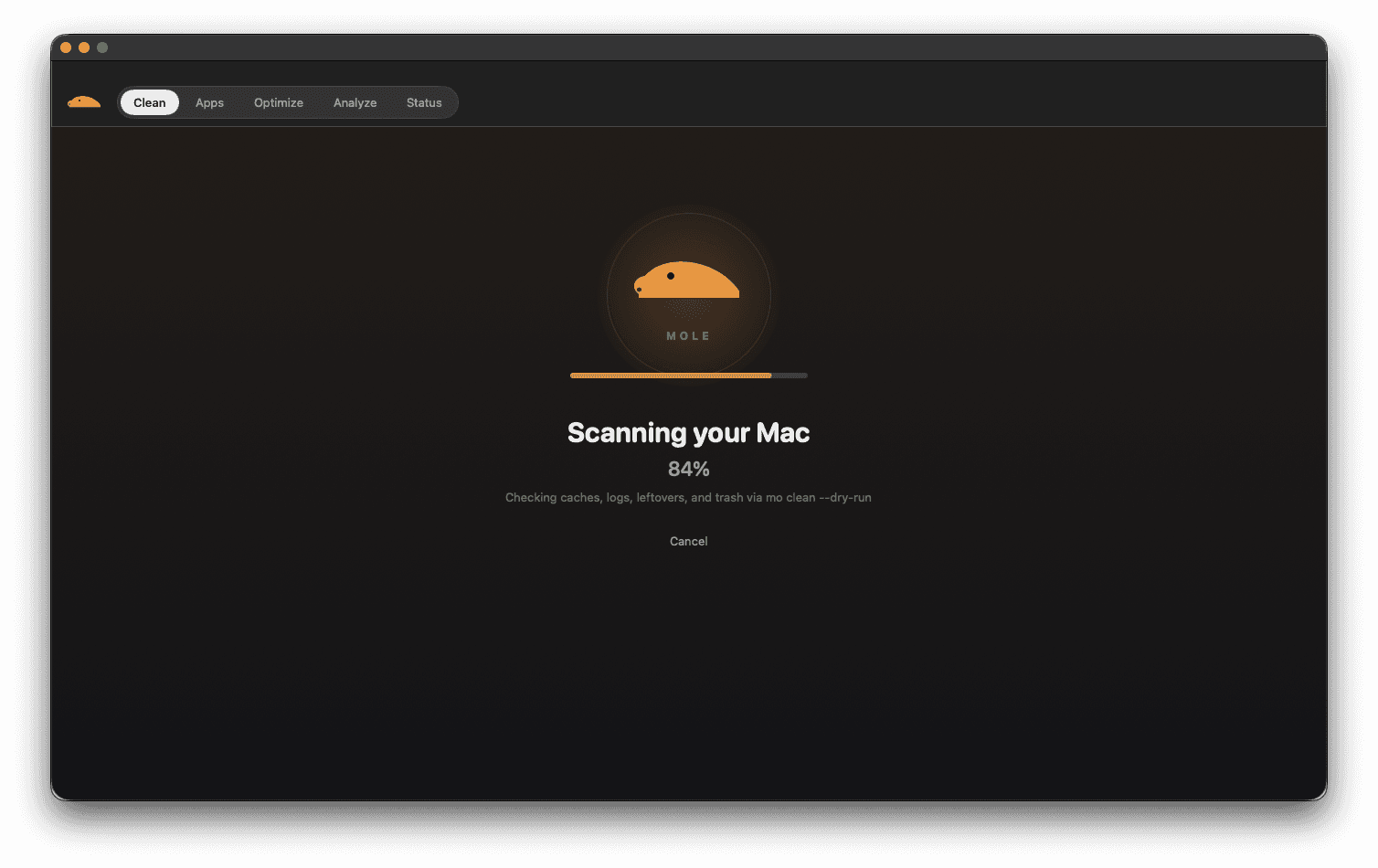
From reclaiming storage to understanding system performance.
Find caches, leftovers, logs and temporary files that quietly consume your storage.
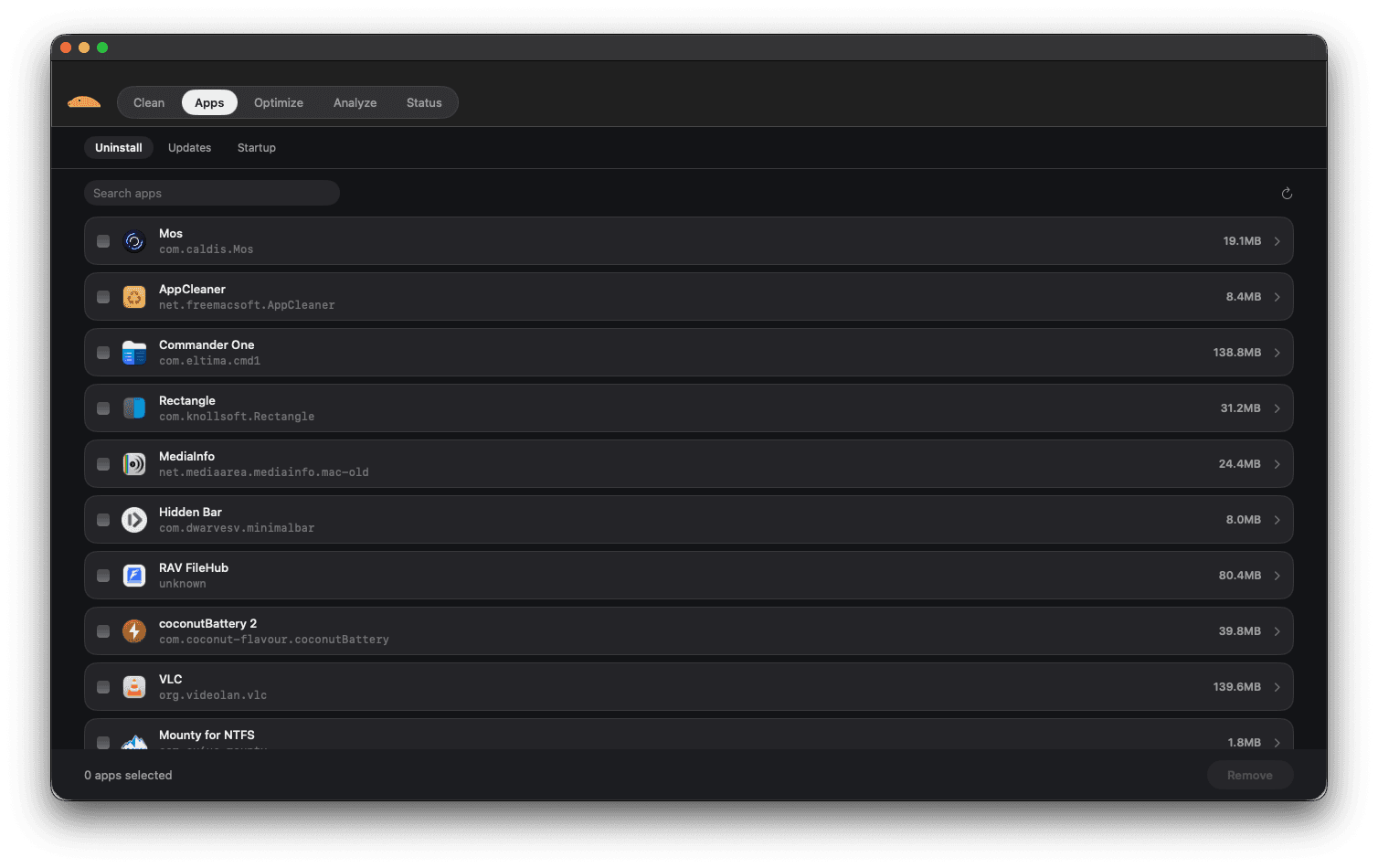
Remove apps together with the files they leave behind.
See CPU, memory, disk, network, battery and processes in real time.
Caches, logs, leftovers and trash — reviewed before removal.
Remove apps together with their associated files.
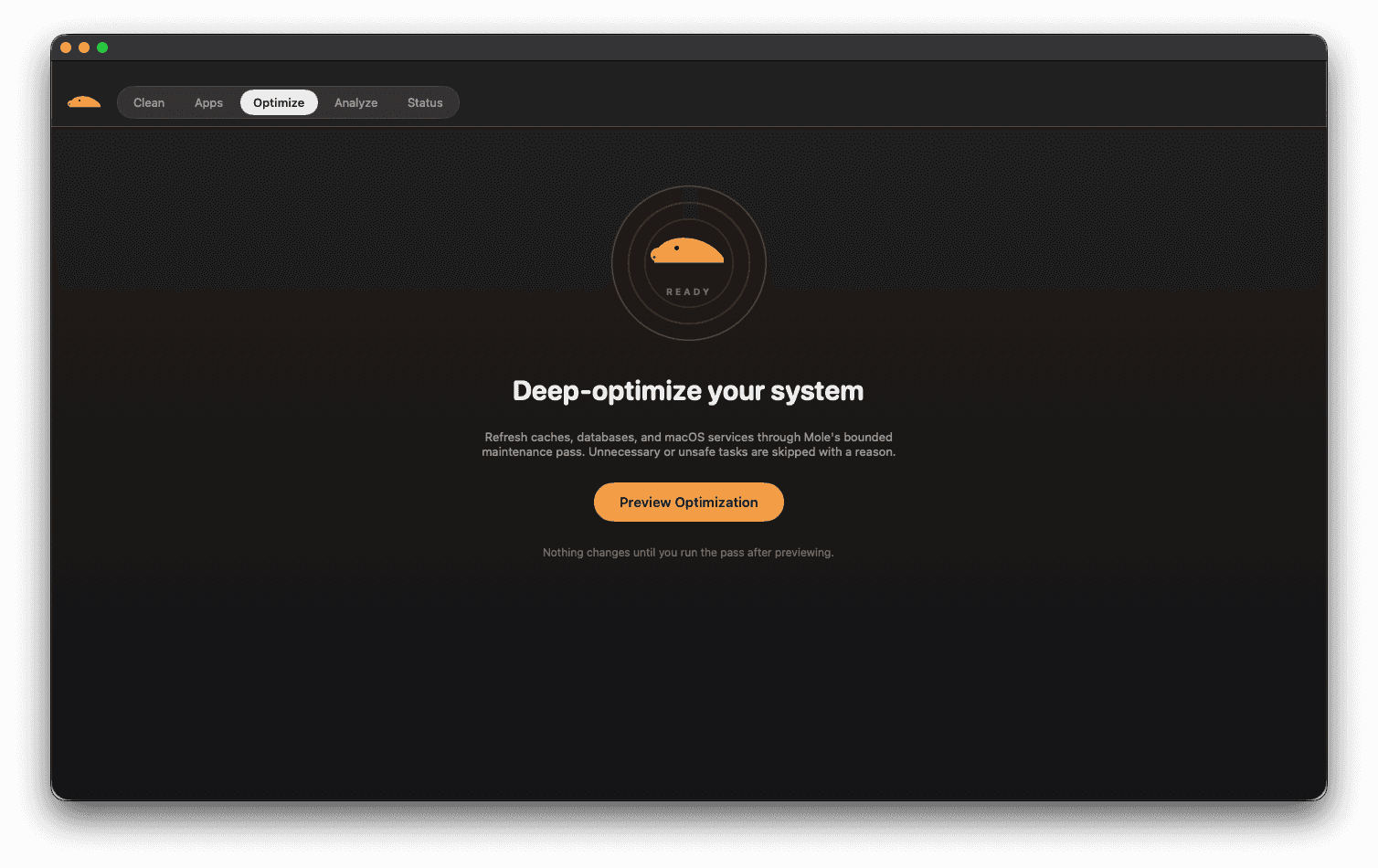
Refresh services and rebuild caches with a bounded pass.
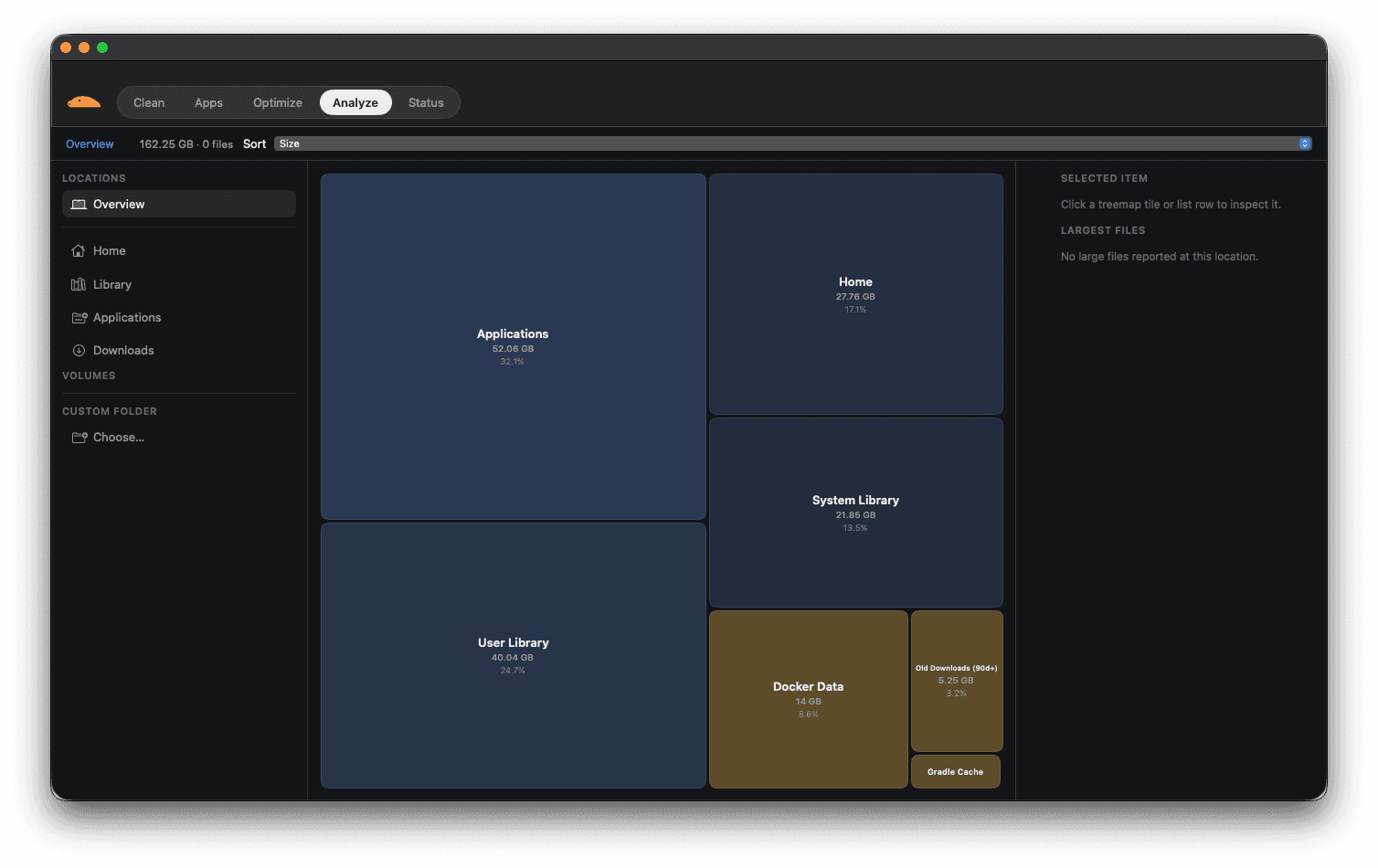
Visual treemap of what is consuming your storage.
CPU, GPU, memory, disk, network and battery in real time.
System health, always one click away.
A detailed record of every operation.
See exactly what will be removed before you confirm.
Unsafe or important locations are protected.
Full keyboard navigation throughout the app.
Accessible by design, not as an afterthought.
Native performance on every modern Mac.
Scan your Mac, review exactly what can be removed, and clean with confidence.
Mole identifies files associated with applications so you can review what will be removed before confirming.
Every action is reviewable. Unsafe or unavailable operations are skipped with a reason.
Explore your disk visually and drill into the folders consuming the most space — treemap, hierarchy, and storage breakdown included.
Real-time visibility into the things that matter.
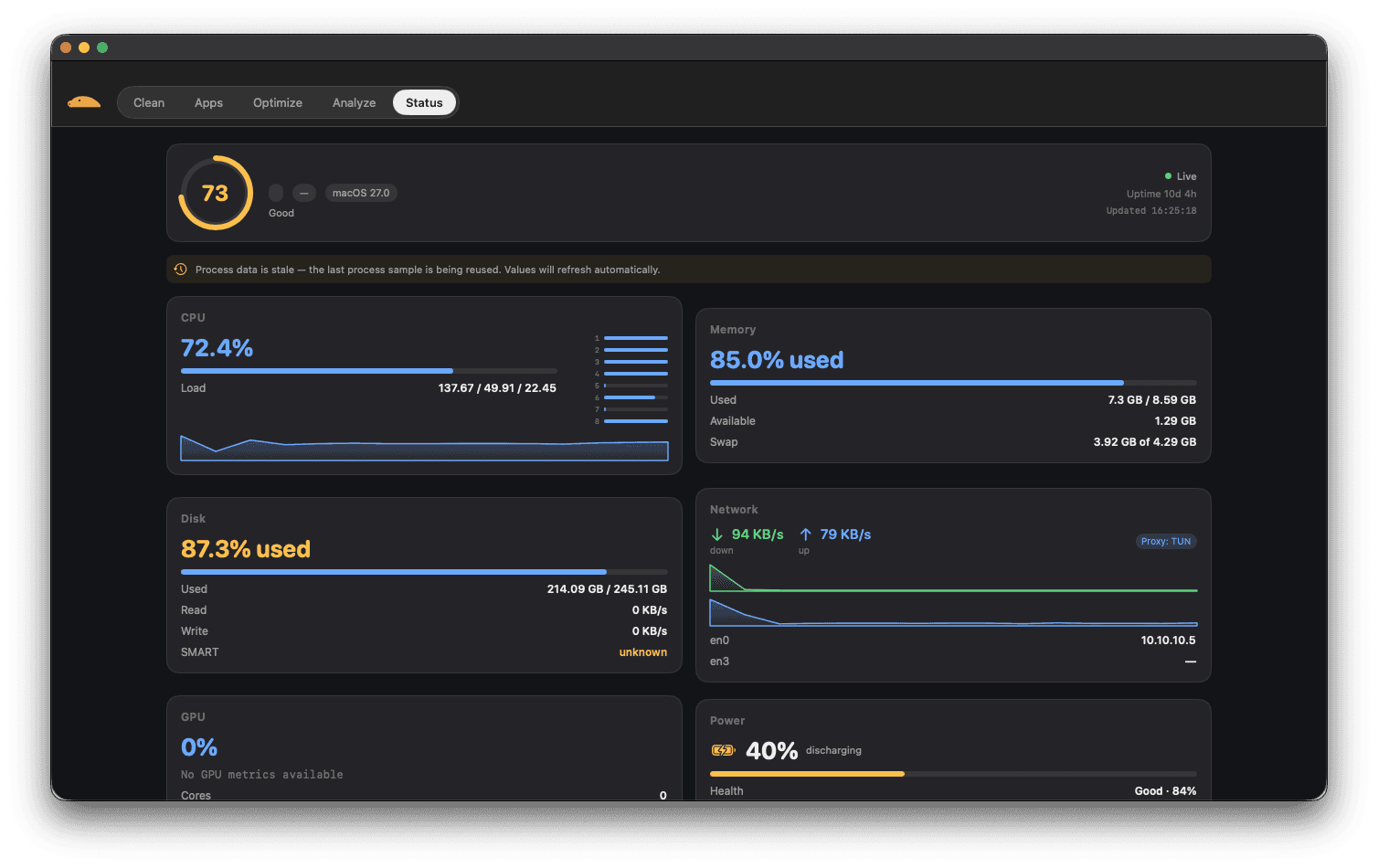
CPU • GPU • Memory • Disk • Network • Battery • Thermals • Processes
Mole quietly watches your Mac from the menu bar, so system health is always within reach.
Built specifically for macOS.
Designed to remain fast and unobtrusive.
Review before destructive actions.
Mole is designed around local system management. Cleanup operations are reviewable, potentially destructive actions require confirmation, and unsafe locations are protected.
Mole is designed around local system management — scans and cleanup run on your Mac.
Potentially destructive actions require confirmation, and unsafe locations are protected.
Cleanup operations are reviewable, and every action is recorded in a detailed history.
One purchase. Every feature. Every future update.
2 Macs per license
Secure checkout • Instant license • macOS download
Prices may vary by region and applicable taxes.
Each purchase gets a unique license key linked to your purchase email.
Mole supports recent versions of macOS and is updated to follow current macOS releases. Check the download page for the minimum supported version.